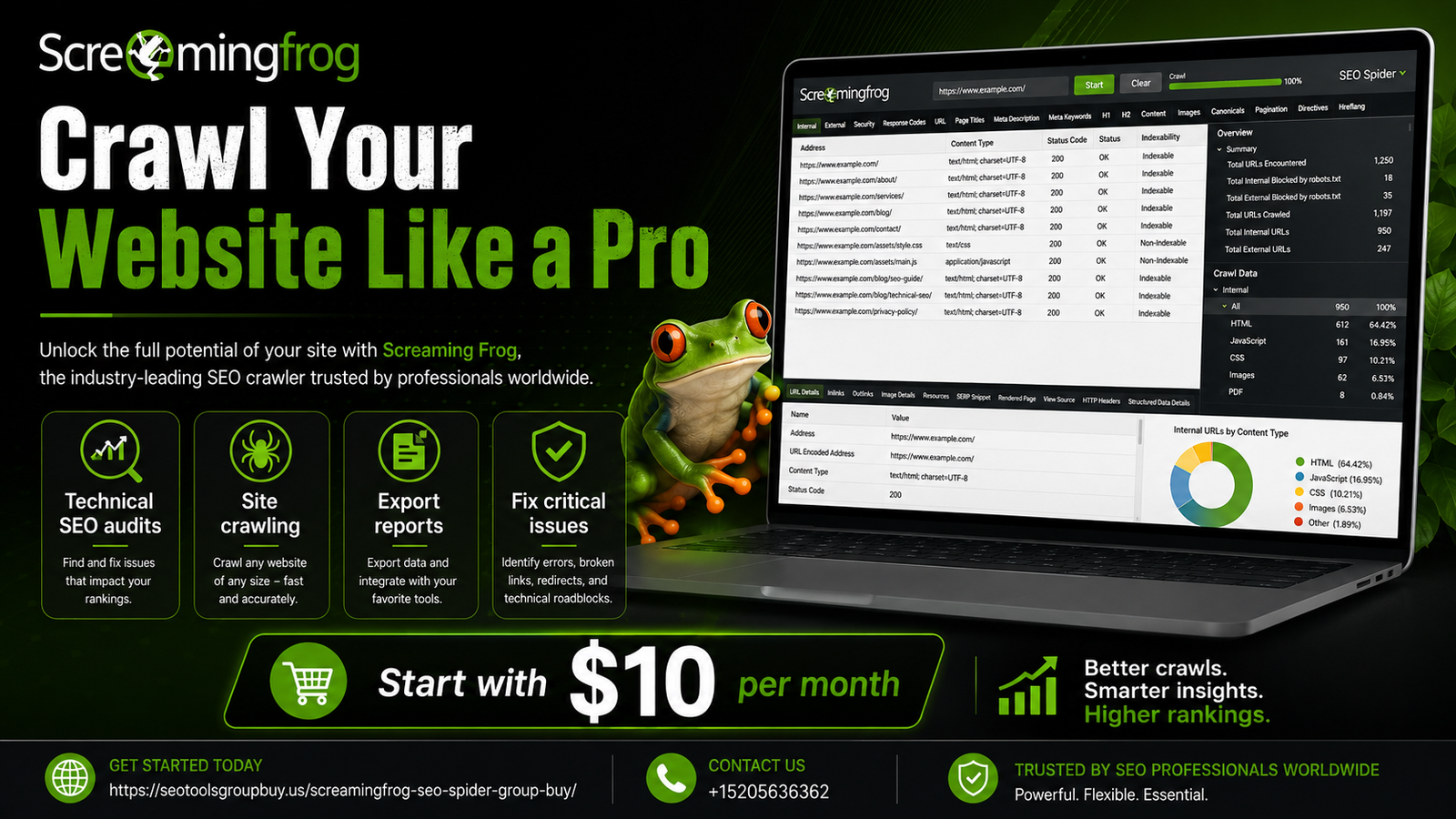
Screaming Frog for Beginners
Screaming Frog is a game-changer for SEO beginners. It’s a powerful SEO spider tool that simplifies website audits.
This guide will walk you through using Screaming Frog effectively. You’ll learn how to improve on-page SEO with ease.
Screaming Frog is known for its user-friendly interface. It helps identify SEO issues like broken links and duplicate content.
The tool can crawl up to 500 URLs for free. For more features, there’s a paid version available.
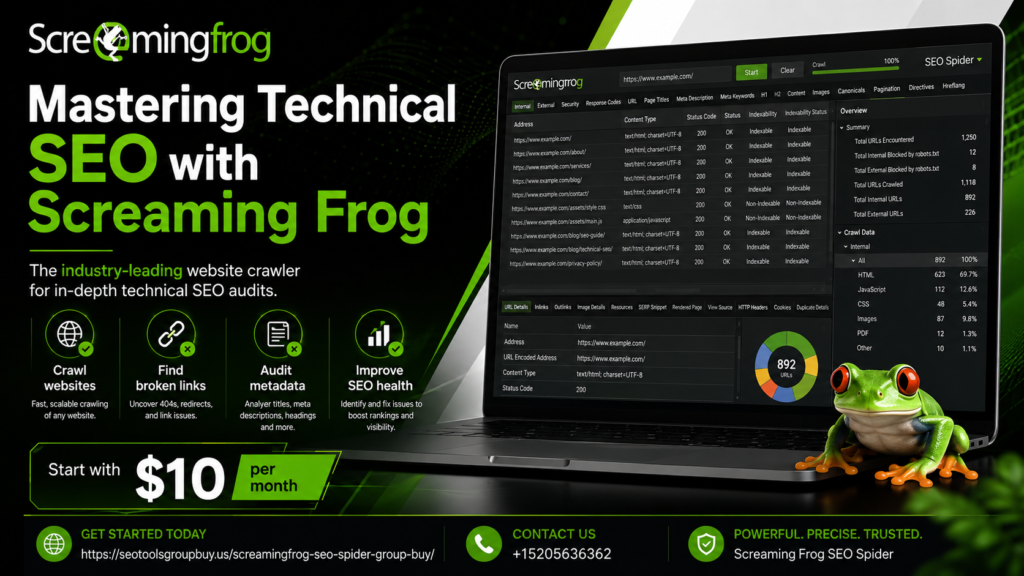
Screaming Frog is compatible with Windows, macOS, and Ubuntu. It’s a versatile tool for any operating system.
You’ll discover how to generate detailed SEO reports. These reports cover titles, meta descriptions, and headers.
Integration with Google Analytics and Search Console is seamless. This enhances your SEO analysis capabilities.
Screaming Frog also offers custom extraction features. You can pull specific data from a website’s HTML.
By the end of this guide, you’ll master Screaming Frog. You’ll be ready to optimize your website’s SEO like a pro.
What is Screaming Frog? An Overview of the SEO Spider Tool
Screaming Frog is a robust SEO spider tool. It’s used by both beginners and experts for comprehensive website audits. This tool can inspect key SEO elements.
The tool crawls websites efficiently. It identifies common SEO issues and provides actionable insights. Users can easily access detailed data for optimization.
Screaming Frog scans for various on-page SEO elements. This includes titles, metadata, headers, and more. It helps users streamline their SEO strategy.
Key features of Screaming Frog include:
- Detection of broken links and redirects
- Analysis of duplicate content
- Reporting on missing metadata
- Evaluation of URL structures
- Integration with Google Analytics
Screaming Frog offers both free and paid versions. The free version allows for basic crawls, up to 500 URLs. For more extensive features, a license is required.
Moreover, it is compatible with multiple operating systems. Whether you use Windows, macOS, or Ubuntu, this tool has you covered. Its cross-platform capability ensures flexibility for different users.
Screaming Frog is widely recognized for its reliability. It is a preferred SEO analysis software for website owners. The tool’s reputation is built on its detailed reporting features.
By using Screaming Frog, beginners can harness valuable SEO insights. It simplifies complex data into manageable chunks, making optimization straightforward.
Why Use Screaming Frog? Key Benefits for SEO Beginners
Screaming Frog is a game-changer for SEO beginners. It transforms complex SEO tasks into manageable steps. Understanding its key benefits can elevate your SEO efforts.
One major advantage is its user-friendly interface. Beginners can navigate easily without feeling overwhelmed. Its design simplifies the learning process, making SEO accessible.
The tool offers detailed insights into website structures. It identifies crucial SEO issues and suggests improvements. For beginners, this provides a clear path toward optimization.
Key benefits of Screaming Frog include:
- Identifying on-page SEO problems quickly
- Providing comprehensive reports on SEO metrics
- Assisting in analyzing and improving URL structures
- Offering insights into redirect issues
Moreover, Screaming Frog’s reporting capabilities are robust. It generates detailed audits that help refine SEO strategies. Beginners can export this data for deeper analysis.
For those new to SEO, Screaming Frog is invaluable. It helps by illuminating otherwise hidden website issues. These insights are crucial for improving overall website performance.
Ultimately, Screaming Frog serves as a powerful educational tool. Its insights not only reveal current problems but also pave the way for future improvements. With this tool, mastering SEO becomes a reachable goal.
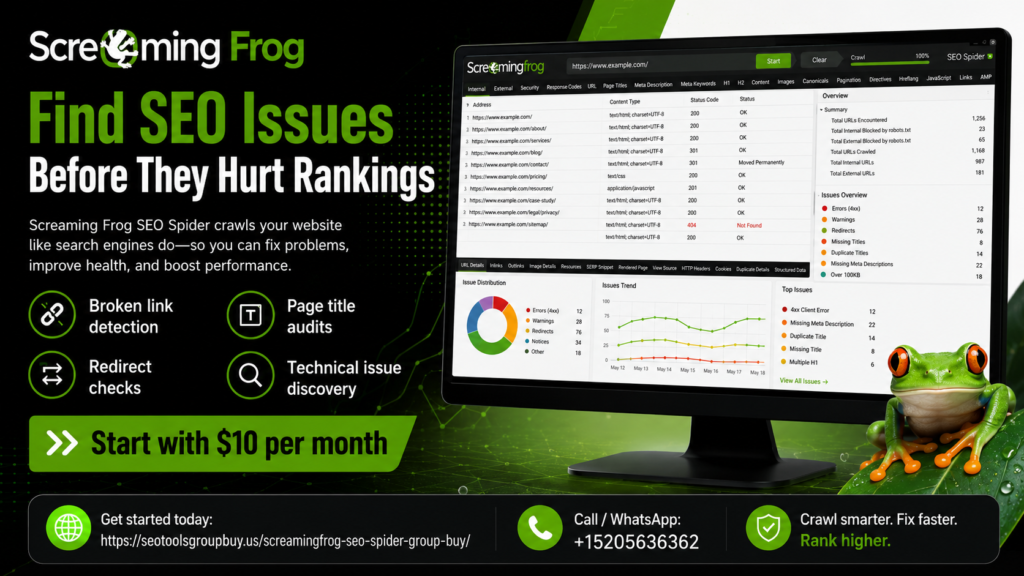
Screaming Frog SEO Spider Pricing and Versions
Screaming Frog SEO Spider offers both free and paid versions to accommodate different needs. The free version allows you to crawl up to 500 URLs. It’s perfect for small websites or those starting with SEO.
The paid version unlocks advanced features and limitless crawling. This version is ideal for larger websites and professional SEO audits. It enhances the tool’s capabilities significantly, providing added value.
Pricing for the paid version is straightforward. Screaming Frog charges a yearly license fee. Here’s a quick look at what you can expect:
- Free Version: Up to 500 URLs
- Paid Version: Unlimited URLs, more features
- Yearly License Fee: Competitive and affordable
Investing in the paid version is often worthwhile. It provides access to features like Google Analytics integration and custom extraction. For SEO professionals and larger sites, the paid version offers comprehensive and powerful capabilities.
Installing and Setting Up Screaming Frog
Getting started with Screaming Frog is a simple process, even for beginners. First, download the software from the official website. It’s compatible with Windows, macOS, and Ubuntu, offering flexibility for various users.
Once downloaded, installation requires just a few clicks. Follow the on-screen instructions to complete the setup. Installation usually only takes a few minutes.
After installation, you’ll need to set up the tool for your first crawl. Here’s a basic checklist to ensure your setup is correct:
- Open the application and enter your website URL
- Configure crawl settings for your needs
- Ensure integration with Google Analytics if desired
Before your first use, explore the settings. This exploration will help you understand the tool better. Check the official guides if you need extra help.
These steps provide a foundation for using Screaming Frog. With your installation complete, you’re ready to start your website audit. This powerful tool is now at your fingertips.
Your First Crawl: Step-by-Step Walkthrough
Running your first crawl with Screaming Frog is an exciting step. It’s where you begin discovering valuable insights into your website. Let’s dive into this process!
First, launch Screaming Frog and enter your website URL into the URL bar at the top. Press ‘Start’ to begin the crawl. It will commence scanning all the pages it can access.
Once it starts crawling, you’ll see the number of URLs being processed. It updates in real-time at the bottom of the interface. Watch for crawling progress and ensure the scan completes fully.
While the crawl is running, you’ll notice the data columns populating. Key columns to monitor include Page Titles, Meta Descriptions, and Headers. This is where on-page SEO issues often hide.
After the crawl finishes, review the data in detail. Look out for critical SEO elements to check:
- Identify missing or duplicate metadata
- Spot broken links and redirect chains
- Check for oversized images and page speed issues
A significant benefit of Screaming Frog is exporting data for further analysis. You can save reports in Excel format or CSV. Here’s how:
- Go to the ‘File’ menu
- Select ‘Export’ and choose your desired format
- Save the file to your preferred location
This process equips you with actionable insights. Use them to tweak and optimize your website. You’ve now taken a crucial step towards improving your SEO game.
Running regular crawls will help maintain your site’s health. Make it a routine to catch problems early. Consistent monitoring ensures better site performance over time.
Understanding the Screaming Frog Interface
The Screaming Frog interface can seem daunting initially. However, once you understand its layout, navigation becomes intuitive. Let’s break down the main components.
The main window displays your crawl data, with tabs for specific details like Internal, External, and Protocol. This view changes as you select different tabs, providing focused insights.
On the left side, you’ll find the Configuration and List View. This area helps you adjust settings and view various statistics. It’s where you control crawl parameters and analyze results in depth.
Within the toolbar, essential functions are at your fingertips:
- Start/Stop: Control the crawl process
- Reports: Access and generate detailed SEO reports
- Export: Save your data in preferred formats
- Visualizations: View site architecture
These features, along with customizable filters, streamline your analysis. As you explore each section, you’ll find tools tailored to specific SEO needs. The layout is designed to make audits as efficient as possible.
Core Features Explained: What Screaming Frog Can Do
Screaming Frog is packed with features designed to enhance your SEO audits. Understanding these capabilities helps you leverage the tool effectively. Let’s delve into some of the core features that make Screaming Frog indispensable.
One of the primary functions is URL crawling. Screaming Frog scans your site’s URLs to identify issues like broken links or redirects. This prevents errors that can harm search rankings.
Meta data analysis is another critical feature. The tool examines titles, descriptions, and headers. Any missing or duplicate meta tags are flagged, enabling prompt corrections.
Screaming Frog also excels in extracting data from a site. You can configure custom extractions to pull data from the HTML. This is useful for analyzing structured data and other on-page elements.
Key Features Include:
- Crawl Analysis: Identifies HTTP status codes and errors
- Meta Data Insight: Flags missing or duplicated tags
- Custom Extraction: Extracts HTML for deeper data analysis
- URL Inspection: Reviews URL structure for issues
The tool supports powerful integrations. It connects with Google Analytics and Google Search Console. This combines crawl data with performance metrics for enriched insights.
On top of that, Screaming Frog generates XML sitemaps. This feature ensures your site is indexed correctly by search engines. You can configure sitemaps according to priority and frequency.
JavaScript rendering is another advanced functionality. This capability allows you to crawl sites with dynamic content. It ensures thorough indexing of modern websites.
Advanced Capabilities Include:
- Google Integration: Enriches data with Analytics and Search Console
- XML Sitemaps: Enables customizable sitemap generation
- JavaScript Rendering: Crawls sites with dynamic elements
These robust features make Screaming Frog a comprehensive solution. Whether auditing a small blog or a large e-commerce site, it adapts to your SEO needs efficiently.
Essential Screaming Frog Tips for Beginners
Starting with Screaming Frog may feel overwhelming, but a few tips can simplify the process. Focusing on essential strategies will quickly boost your confidence as you explore the tool.
First, familiarize yourself with the interface. Spend some time navigating the various tabs and sections. This will make you comfortable with finding the tools you need later.
Experiment with small website crawls. Choose a website with a limited number of pages and perform a trial crawl. This helps you understand how data is presented and how errors are reported.
Quick Tips for Beginners:
- Start Small: Practice on simple sites to learn the interface
- Use Filters: Apply filters to focus on specific issues like missing metadata
Become proficient with custom filters early. By setting filters, you can target specific issues such as missing meta descriptions or long URLs. This allows you to streamline your analysis and fix the most critical problems first.
Explore the export options available. Exporting data for detailed analysis outside the app is crucial. This will enable you to create detailed reports and presentations.
Additional Tips:
- Custom Filters: Tailor your crawl to focus on specific SEO issues
- Export Data: Analyze data in Excel or other tools for deeper insights
By incorporating these tips, you’ll be able to leverage Screaming Frog effectively. As you gain more experience, you’ll unlock the full potential of this powerful SEO tool.
How to Use Screaming Frog to Improve On-Page SEO
Using screaming frog vs ahrefs for on-page SEO improvements can seem daunting, but it is highly efficient. It allows you to identify and fix numerous SEO issues swiftly.
Begin by performing a full crawl of your website. This action will provide a comprehensive list of all the pages and related SEO elements. Analyze this data closely to spot common problems.
Target Key Issues:
- Titles and Headings: Look for missing, duplicate, or lengthy titles
- Meta Descriptions: Identify missing or duplicated descriptions
Focus on title tags first. Screaming Frog highlights any pages with missing or duplicate titles. A unique and concise title tag is crucial for each page as it boosts relevance and click-through rates.
Next, review meta descriptions. The tool flags missing or duplicated descriptions easily. Crafting compelling descriptions can improve your page visibility and attract more clicks from the search results.
Prioritize for Efficiency:
- H1 Tags: Ensure each page has a unique and relevant H1 tag
- Image Alt Text: Check for missing or duplicate alt attributes
Examine the website’s internal linking. Screaming Frog will show you orphan pages, pages that aren’t linked to the rest of the site. Fix these by establishing meaningful internal links to enhance page authority.
Don’t forget to optimize images. Screaming Frog can identify large image files that may slow page speed. Reducing file size can significantly improve load times, positively influencing user experience and rankings.
By systematically addressing these issues, your on-page SEO will become robust. Regular audits using Screaming Frog can sustain and enhance your site’s performance.
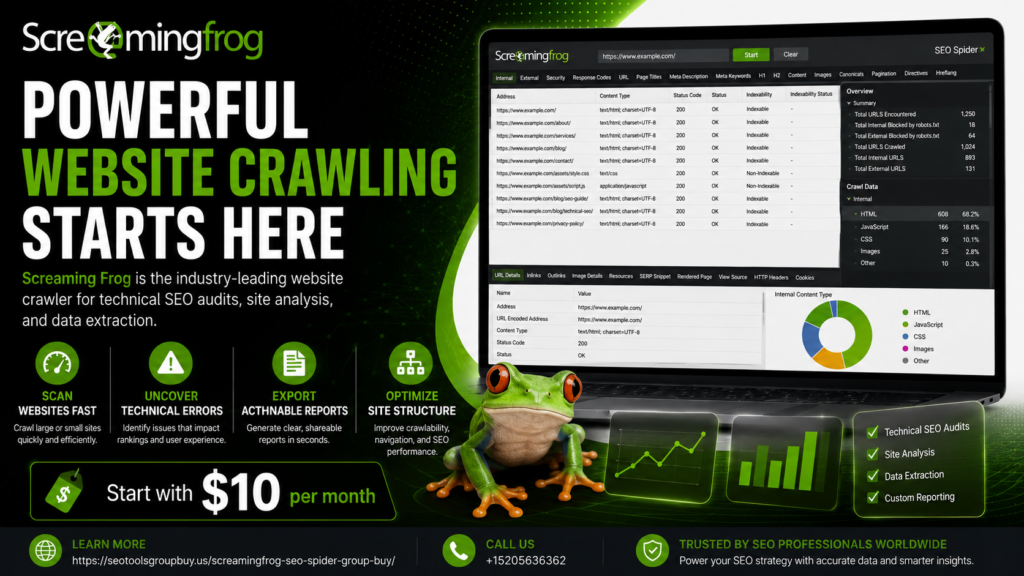
Advanced Uses: Custom Extraction, JavaScript Rendering, and More
Once you’ve mastered the basics of Screaming Frog, it’s time to explore its advanced features. These functionalities offer deeper insights and can greatly enhance your SEO strategies.
Custom extraction is a powerful feature of Screaming Frog that allows you to gather specific data from HTML. With this, you can extract data like price information or article dates directly from the page source.
JavaScript rendering is another useful option. Many modern websites use JavaScript frameworks which traditional crawlers might miss. By enabling this feature, Screaming Frog can fully render and crawl sites that rely on JavaScript for essential content.
Here’s a quick breakdown of how these features can be applied:
- Custom Extraction: Pull specific user-defined data from sites
- JavaScript Rendering: Crawl JavaScript-heavy sites completely
- PageSpeed Insights Integration: Analyze speed for various pages
Integrating PageSpeed Insights with Screaming Frog provides an added layer for page performance analysis. This integration can help you pinpoint and rectify slow-loading elements that might hurt your rankings.
By leveraging these advanced features, Screaming Frog transforms into a comprehensive SEO tool. It enables a thorough understanding of your website’s dynamic aspects, helping you to optimize effectively for modern web standards and user expectations.
Integrations: Google Analytics, Search Console, and More
Screaming Frog offers seamless integrations with other major SEO tools like Google Analytics and Google Search Console. These integrations enhance the data you retrieve and offer more insightful analysis.
Connecting Screaming Frog with Google Analytics allows you to overlay web traffic data during a crawl. This includes metrics like bounce rate, sessions, and page views. It provides context to your SEO audits, revealing how users interact with your site’s pages.
Google Search Console integration lets Screaming Frog pull valuable data such as impressions, clicks, and average position for your URLs. This allows you to connect technical SEO issues with search performance directly.
Key integration benefits include:
- Google Analytics: Access user behavior and engagement data.
- Google Search Console: View search performance metrics.
- PageSpeed Insights: Check detailed page load information.
By using these integrations, you can gain a well-rounded view of your website’s performance. This approach helps in making informed SEO decisions that are backed by comprehensive data.
Reporting and Exporting Data for SEO Analysis
Screaming Frog excels in data reporting and exporting capabilities, crucial for any in-depth SEO analysis. After crawling your website, it provides various export options that enhance your data handling abilities.
Exported reports include details on issues like duplicate content, missing metadata, and broken links. The ability to export data into Excel or CSV format facilitates easy sharing and further analysis. This feature is beneficial for creating tailored reports for different stakeholders.
Key reports you can export:
- Response Codes: Identify errors like 404s.
- Page Titles: Check for missing or duplicate titles.
- Meta Descriptions: Analyze length and duplication.
Exporting data allows you to maintain detailed records of audits over time. This helps track improvements and find new optimization opportunities. Screaming Frog’s reporting flexibility makes it a crucial component of an effective SEO strategy.
Crawl Optimization: Making the Most of Your Audits
Crawl optimization is essential to ensuring that your audits with Screaming Frog are both efficient and effective. By refining crawl settings, you can focus efforts on the most crucial parts of your website.
Start by adjusting the crawl configuration to exclude less critical sections, such as certain file types or specific URLs. This customization saves time and enhances the quality of the insights you gather.
Consider these crawl optimization strategies:
- Limit File Types: Exclude images or scripts.
- Configure Subdomains: Decide whether to include them.
- Set Crawl Depth: Control how deep the audit should go.
Using these techniques, Screaming Frog can provide more targeted data while minimizing resource use. By focusing on high-priority areas, you maximize the return on your auditing efforts. Enhanced crawl optimization leads to quicker, more actionable SEO insights.
Screaming Frog SEO Spider Alternatives
While Screaming Frog is a leader in SEO spider tools, other options exist. These alternatives offer unique features that might suit different needs or budgets. Exploring them can provide broader SEO insights.
Alternatives include tools that focus on distinct capabilities like larger data handling, deeper analysis, or user-friendly interfaces. Each tool has strengths, making some better for specific tasks or teams.
Here’s a list of popular alternatives:
- Sitebulb: Known for its visual audits and user-friendly design.
- DeepCrawl: Offers an enterprise-level solution with comprehensive data.
- SEMrush: Provides extensive features, including backlink analysis.
- Ahrefs: Renowned for its keyword tools and content exploration.
Choosing the right tool depends on your needs and technical requirements. Experiment with a few to find the best fit. These alternatives can complement Screaming Frog, providing a robust SEO toolkit for any professional.
Frequently Asked Questions (FAQ)
Many beginners have questions about using Screaming Frog effectively. It’s normal to seek clarity on key aspects. Here, we address common queries to aid your learning curve.
What is Screaming Frog SEO Spider used for?
It’s primarily used for website audits. The tool uncovers SEO issues like broken links and missing tags. It helps optimize on-page elements crucial for search ranking.
How much does Screaming Frog cost?
There’s a free version that crawls up to 500 URLs. For more features, the paid version is available. Check their website for the latest pricing details.
Can Screaming Frog replace Google Analytics?
No, it serves different purposes. While Google Analytics tracks site performance, Screaming Frog focuses on technical SEO audits. Both tools complement each other well.
Here’s a quick list of what Screaming Frog covers:
- Link Audits: Detects broken links and redirects.
- Metadata Analysis: Checks for missing or duplicate titles.
- Page Speed Insights: Identifies slow-loading pages.
Do I need technical skills to use Screaming Frog?
Not necessarily. While familiarity with SEO concepts helps, beginners can still navigate the tool. Its interface is user-friendly, with plenty of tutorials available for support.
Conclusion: Mastering Screaming Frog for SEO Success
Mastering Screaming Frog can significantly enhance your SEO efforts. With its comprehensive suite of features, this tool transforms website audits into a straightforward process. This guide has equipped you with the basics to start leveraging Screaming Frog effectively.
By now, you should have a clear understanding of how to run a successful crawl. Analyze the data to uncover key insights for improving your site’s on-page SEO. Don’t shy away from experimenting with advanced features as your confidence grows.
Here’s a quick list of benefits you can harness with Screaming Frog:
- In-depth SEO Audits: Identify and fix crucial SEO issues.
- Data Integration: Work seamlessly with existing tools like Google Analytics.
- Customizable Crawl Settings: Focus on what matters most to your strategy.
by Darko Pribeg (https://unsplash.com/@dpribeg)
Stay updated with regular feature enhancements. The more you explore, the more proficient you’ll become in optimizing your site for better search performance. Embrace Screaming Frog as a trusted ally on your SEO journey.
About the Author